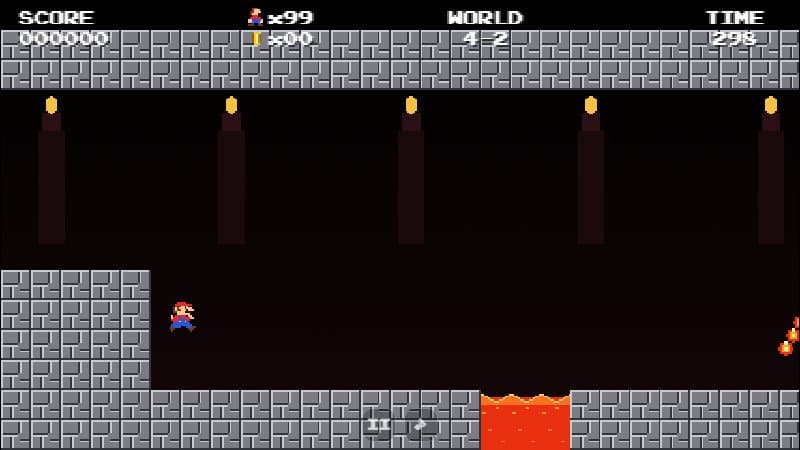
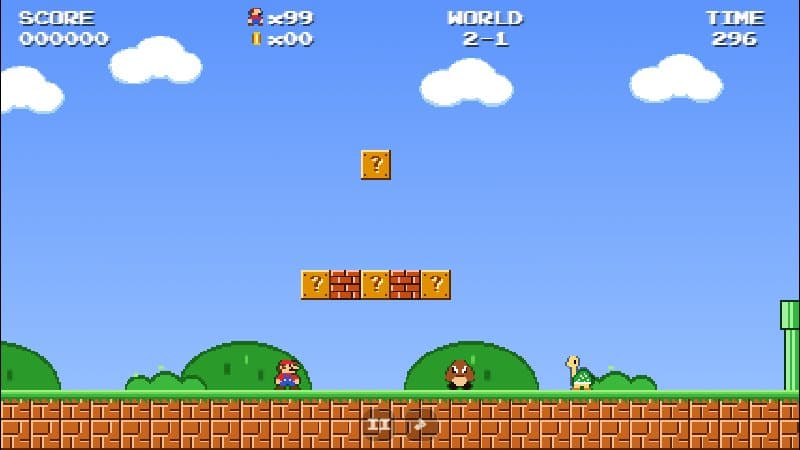
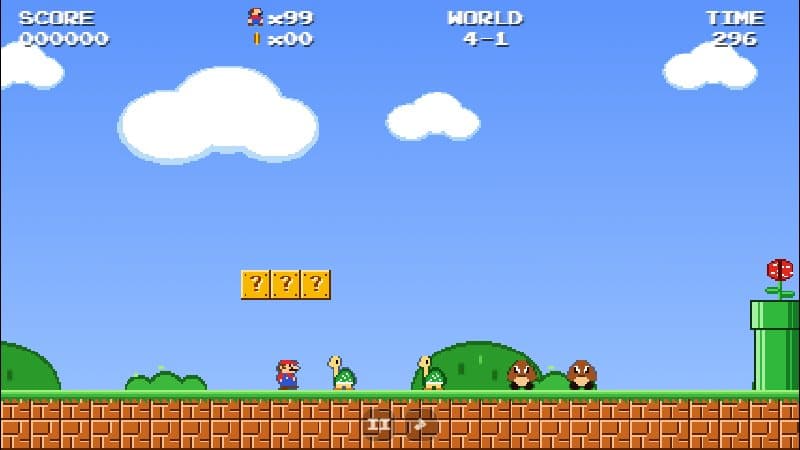
Controls for Every Game on Mario.Game
Keyboard, touch and gamepad controls for Mario.Game Adventure, Infinite Mario, MariOCaml, Super Mario Phaser and every other version on the site.
4 min read
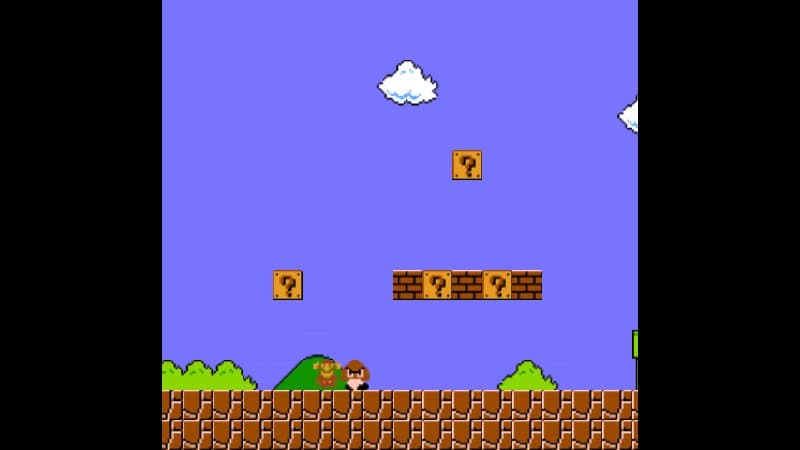
Every game on this site was made by a different developer, so the controls are not identical. Here is a quick reference for all of them. If a game does not react to your keys, click inside the game frame once — the browser only sends keystrokes to the frame that has focus.
Mario.Game Adventure
| Action | Keyboard | Gamepad |
|---|---|---|
| Move | ← → or A D | D-pad or left stick |
| Jump | Space, Z, ↑ or W | A or B |
| Run / fireball | Shift or X | X or Y |
| Crouch | ↓ or S | D-pad down |
| Pause | Enter or P | Start |
| Mute | M | — |
On phones and tablets, two control pads appear below the game (or beside it in landscape): the left pad moves, the right pad has run (B) and jump (A) buttons. Play Adventure.
Infinite Mario Bros
| Action | Key |
|---|---|
| Move / duck | Arrow keys |
| Jump, start | S |
| Run, fireball | A |
Mario.js — World 1-1 Remake
| Action | Key |
|---|---|
| Move | ← → |
| Jump | X |
| Run | Z |
| Pipes | ↓ |
MariOCaml
| Action | Key |
|---|---|
| Move | ← → or A D |
| Jump | Space, ↑ or W |
| Duck | ↓ or S |
Super Mario Phaser
| Action | Default key |
|---|---|
| Move | A / D |
| Jump | Space |
| Crouch | S |
| Fireball | Q |
All keys can be remapped in the settings menu — talk to Toad on the title screen. Play Super Mario Phaser.
Super Mario HTML5 (Phaser 3)
| Action | Key |
|---|---|
| Move | ← → |
| Jump | ↑ or Space |
| Crouch / pipes | ↓ |
| Fireball | Z |
Mario Level Editor
Use the arrow keys or the big on-screen buttons: green arrows move, the red button jumps and the blue button runs. The pause icon in the top-left switches to edit mode. Open the Level Editor.
Fullscreen
Every game page has a fullscreen button under the player. On phones we recommend turning the device sideways and going fullscreen for the biggest view.