About Mario Level Editor
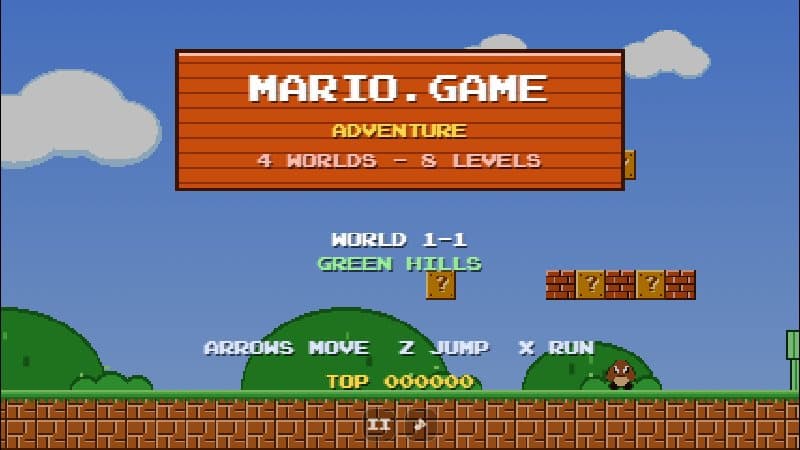
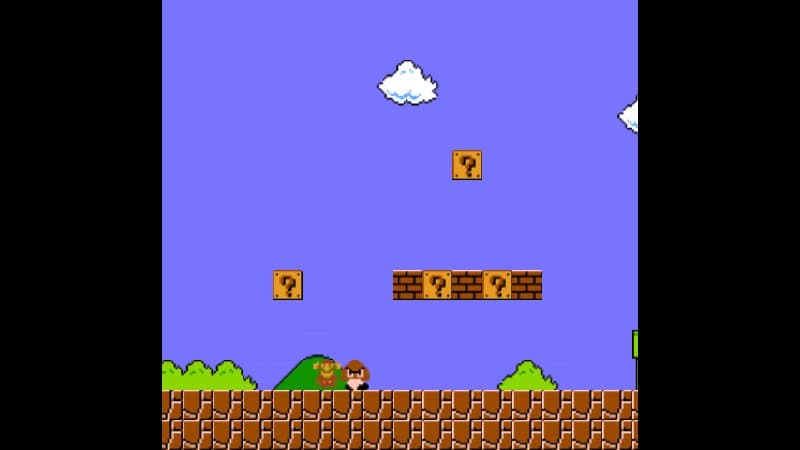
This is the Super Mario Bros. demo of the Backbone Game Engine, an open-source HTML5 engine created by Martin Drapeau. It starts as a playable World 1-1 — but press the pause button in the top-left corner and the game turns into a level editor.
In edit mode a palette of sprites appears: ground and brick tiles, ? blocks, pipes, clouds and bushes, Goombas, Koopas and more. Pick one and click or tap in the level to place it, scroll sideways to keep building, then press the button again to play what you have made. Changes are stored in your browser, so your level is still there next time.
The demo was designed with mobile in mind, so it shows large arrow and action buttons at the bottom of the screen. On a desktop you can use the keyboard or click the buttons with the mouse.
Controls
| Input | Action |
|---|---|
| ← → or on-screen arrows | Move |
| Red button or ↑ / Space | Jump |
| Blue button or Shift | Run |
| Pause button (top left) | Switch between play and edit mode |
| Click / tap a tile | Edit mode: pick a sprite and paint it into the level |
Features
- Built-in level editor: place ground, blocks, pipes, enemies and coins
- Big on-screen buttons for phones and tablets
- Your edited level is saved in the browser
- Built with an open-source educational game engine
Tips
- Tap the pause icon in the top-left corner to enter edit mode, and again to test your level.
- Leave room for a running start before big gaps — the run button makes Mario much faster.
- Use the restart button in edit mode to reset the level to the original World 1-1.