Playing on Phones and Tablets: Mobile Guide
Which games on Mario.Game work on mobile, how the touch controls work, and tips for fullscreen, orientation and performance.
3 min read
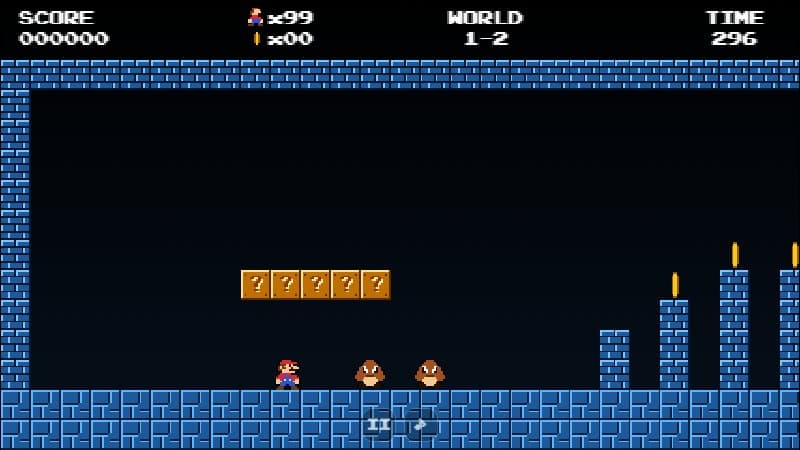
You can play on Mario.Game from a phone or tablet without installing anything. Here is what works best.
Which games support touch
| Game | Touch controls |
|---|---|
| Mario.Game Adventure | Yes — two on-screen pads |
| Mario Level Editor | Yes — big arrow and action buttons |
| Infinite Mario, MariOCaml, Super Mario Phaser, World 1-1 remakes | Keyboard only |
The keyboard-only games still run on tablets with a Bluetooth keyboard.
Touch controls in Adventure
Two control pads appear below the game — or on both sides of it when you turn the phone sideways — so they never hide the level. The left pad has left and right arrows — slide your thumb between them without lifting it. The right pad has B (run) and A (jump). Rest your thumb between the two buttons and roll it onto A while holding B for running jumps.
Fullscreen and orientation
- Turn your phone sideways — the game fills the wide screen.
- Tap the fullscreen button under the game.
- To exit, swipe from the edge or press the minimise button.
Performance tips
- Close other browser tabs to free memory.
- If the sound lags, tap the mute button: the game runs slightly lighter without audio.
- Battery saver modes can lower the frame rate; disable them for smoother play.
Gamepads
Most modern phones accept Bluetooth controllers. Mario.Game Adventure supports gamepads in the browser — connect one, press any button, and play.