Play Anywhere: Touch and Gamepad Controls in Adventure
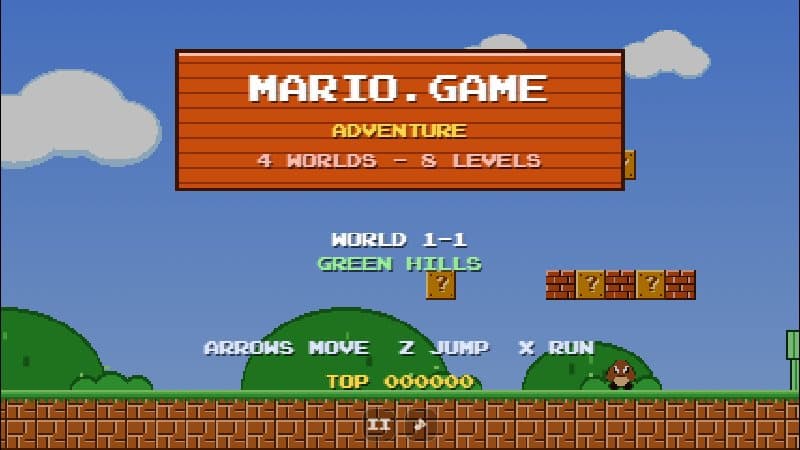
Mario.Game Adventure supports on-screen touch pads on phones and any browser-compatible gamepad. Here is how they work.
2 min read
Mario.Game Adventure is not only for keyboards.
Touch screens
On phones and tablets two control pads appear in a strip below the game — or beside it when you hold the phone sideways — so your thumbs never cover the level. The left pad moves; the right pad has B to run and A to jump. You can slide your thumb between buttons without lifting it, which makes running jumps natural. Turn your phone sideways and tap fullscreen for the best view. Read more in the mobile guide.
Gamepads
Connect a controller (USB or Bluetooth), press any button and play. The d-pad or left stick moves, A or B jumps, X or Y runs and throws fireballs, and Start pauses.
Saving
Your unlocked levels, best scores and mute setting are saved in your browser automatically, so you can pick up where you left off on the same device.